Guide
How to Use AI to Decorate a Room, Step by Step (Budget Included)
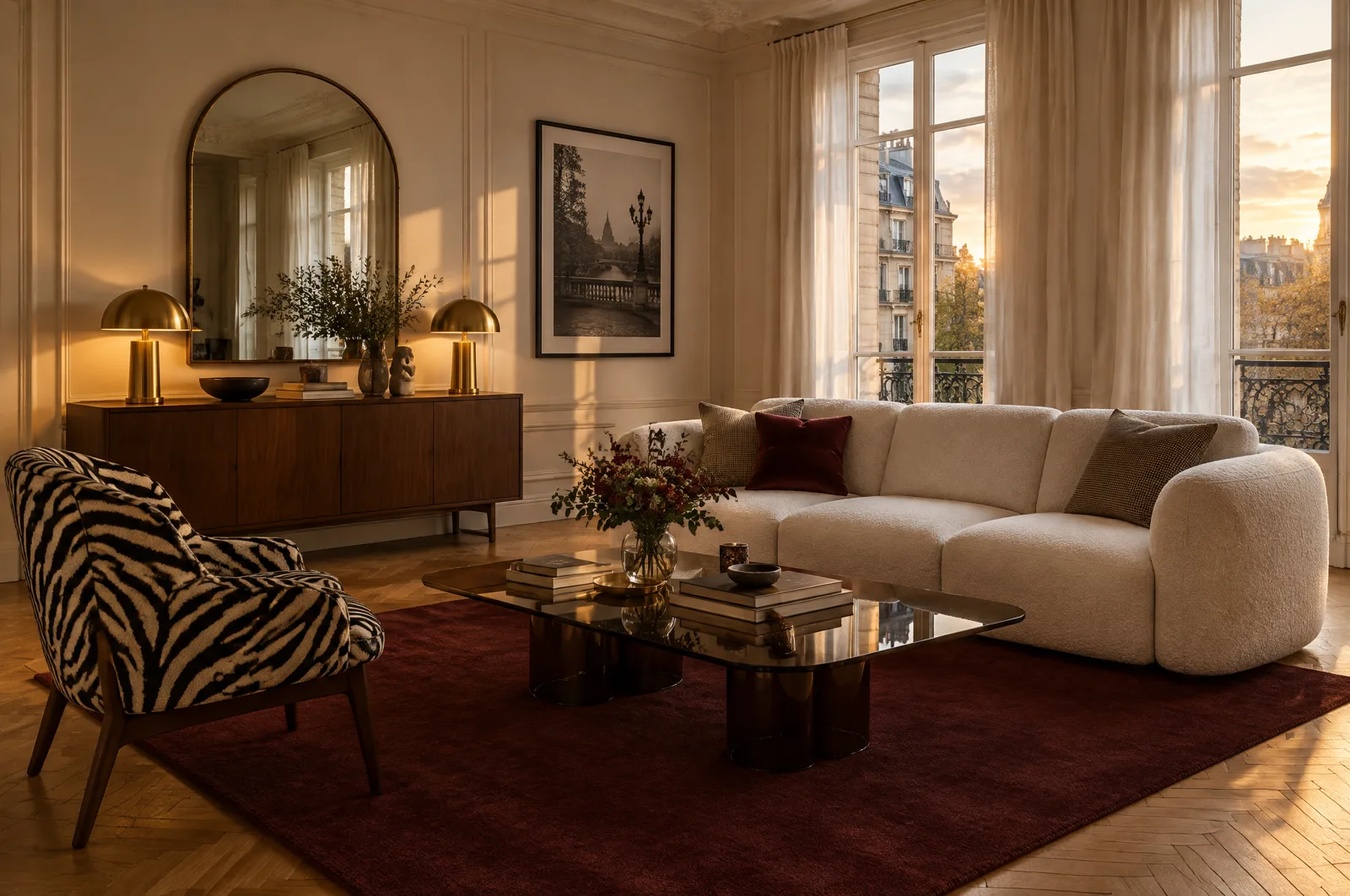
To decorate a room with AI, you photograph the room, pick a style, set the light and surfaces, check the render with a tape measure, then turn it into a priced shopping list. Most guides stop at the render. This one goes all the way to the budget: the living room on the cover, ten purchases, comes to $2,276 at the median prices read in the United States on October 8, 2026.
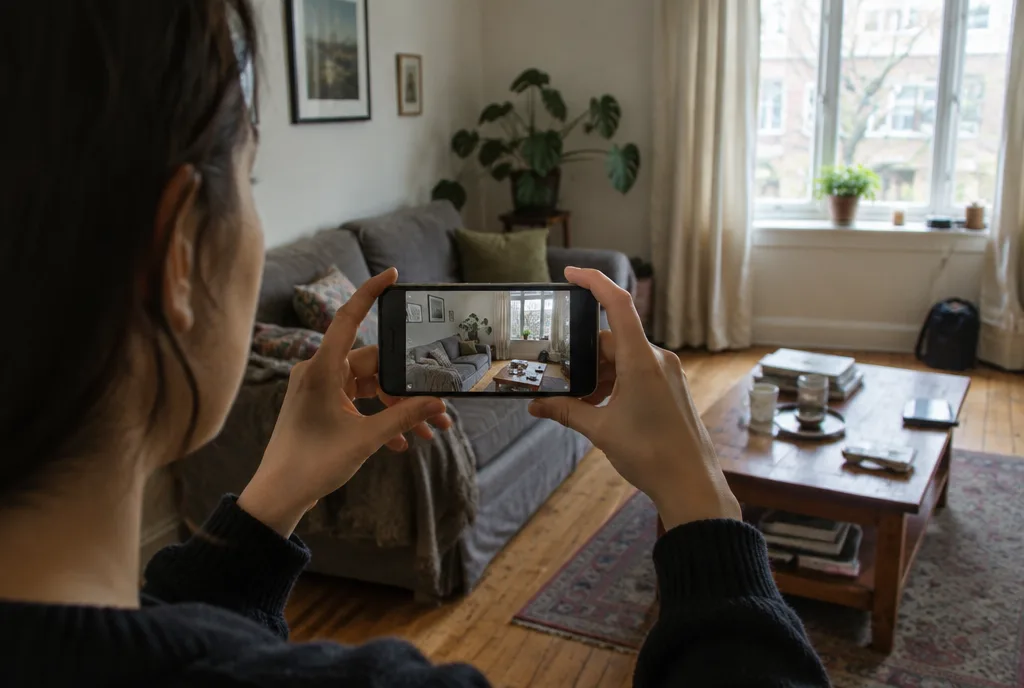
Step 1: Take the right photo of your room
Everything starts with the photo. The AI keeps what it sees (walls, windows, doors, ceiling height) and changes the rest. A badly framed shot gives you a warped room, and every later step inherits the problem.
The guides published by GenRoom and Remodel AI, two rendering tools, agree on the basics:
- shoot in daylight with the curtains open;
- hold the phone in landscape, at chest height, and keep it level;
- stand in a corner or in the doorway so you get two walls and the floor;
- don't bother tidying up: the AI swaps the furniture and the clutter goes with it;
- take two or three angles of the same room and keep the best render.
If the room is dim, wait for the brightest hour of the day instead of switching on the ceiling light. GenRoom's guide advises against photos lit only by lamps at night. Daylight shows the real colors of your walls and floor, and those are what the AI builds on.
In Spaace It, you take the photo in the app or pick it from your camera roll, then tell the app what kind of room it is: living room, bedroom, kitchen, entryway. That choice matters, because a bedroom doesn't get furnished like a dining room.
Step 2: Pick a style, or steal one
There are a few ways in.
A style from the catalog. Japandi, Art Deco, boho, industrial: pick one and your room takes it on.
An inspiration image. A Pinterest pin, or a screenshot of a room you saved on Instagram. With "Steal a style", Spaace It applies the mood of that image to your room, its colors and materials included, without copying someone else's space.
A few words. Describe what you want: "a dark, cozy living room, bouclé sofa, walnut wood, a hit of burgundy." The more specific the prompt, the less generic the result.
Run at least two styles on the same photo. Side by side, they teach you what you actually like faster than a mood board does. And if there's a piece you're keeping (a flea market armchair, your parents' old dresser), leave it in the frame. A render built around something with a story looks less like a catalog page.
Step 3: Set the light and the surfaces
Most tools stop at the style. But a room you use in the evening doesn't look like the photo you took at noon.
In the Create screen of Spaace It, the Light tool offers six moods: Soft morning, Bright daylight, Golden hour, Warm evening, Dimmed and Cosy night. The light comes from the windows and lamps already in your room, so you can see whether your living room still works at 9 pm with the lamps on and the windows gone dark blue.
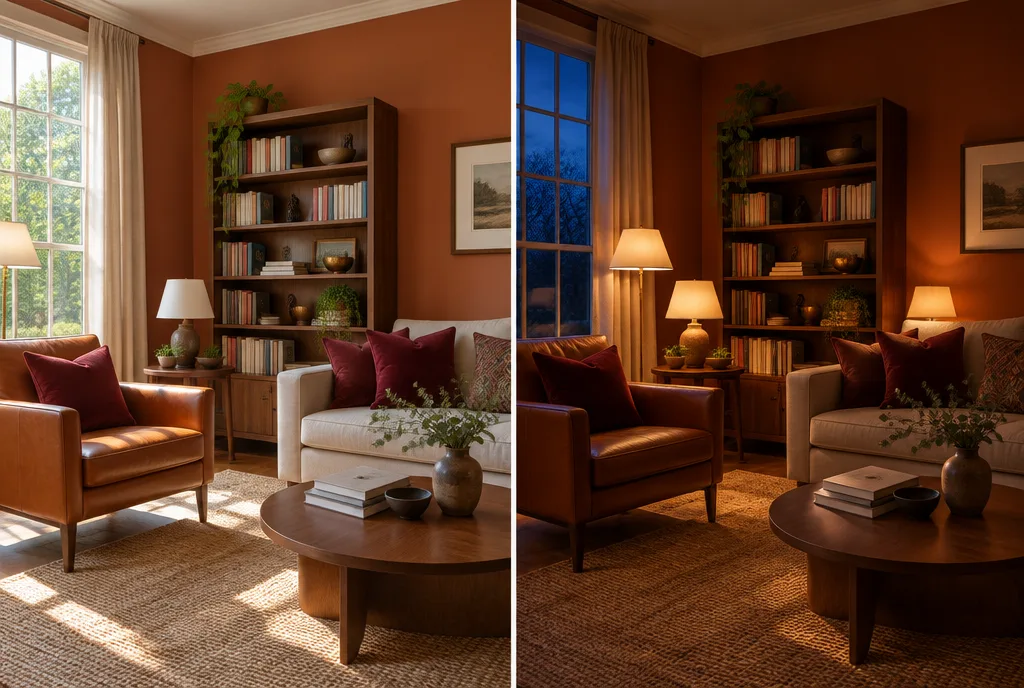
The Floor, Wall and Ceiling tools change one surface at a time: herringbone oak instead of old carpet, or a terracotta accent wall. This is the moment to try a paint color on your real wall before you buy the gallon, or to compare two floors without touching anything else.
Step 4: Check the render with a tape measure
A good render is persuasive. Before you buy anything, go back over it with these questions.
Did the AI move the room? Compare it with your photo. A shifted window or a missing radiator makes the result impossible to build. If that happens, run it again or retake a straighter photo.
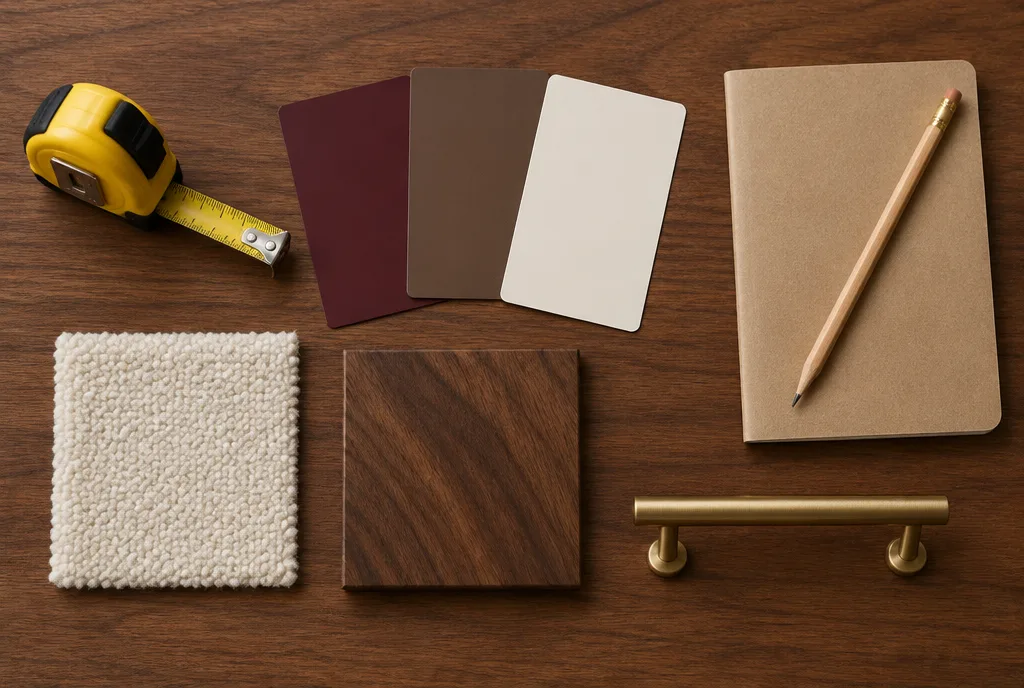
Will the furniture fit? Measure the wall where the sofa goes and the walkway left in front of the window. Write the numbers down, you'll need them when you pick actual products.
What does the image really show? Furniture in a render is drawn by the AI. It looks like real products, yet none of it is a specific item you can order. The sofa in the image gives you a shape and a material to look for. Finding an exact piece from a real photo is a different method, covered in our guide on how to find furniture from a photo.
Step 5: Turn the render into a priced shopping list
This is the step most guides skip. The render is done; now what do you buy, and what will it cost?
Spaace It has two routes, laid out on the page about AI interior design with a shopping list.
From a redesign: the shopping list. Tap the cart and a dot lands on the furniture in the render, eight pieces at most. Each dot opens retailer offers with prices and links. Tap the heart and the offer joins your shopping list, which counts the items and adds up the total.
From "Steal a style": the build plan. The app compares your photo with the render and writes one step per change, 24 at most, each with a price range. It looks for the cheapest move first: reuse or move a piece you already own before asking you to buy one. The total budget and total time sit at the top, and you check off each step as you go.
For scale, here is the living room on the cover of this guide, priced with the furniture prices read in the United States on Google Shopping on October 8, 2026. Prices are indicative.
| Purchase | Median price | High price |
|---|---|---|
| Bouclé 3-seat sofa | $549 | $1,318 |
| Zebra armchair | $296 | $710 |
| Smoked glass coffee table | $334 | $803 |
| Burgundy rug, 5 x 8 ft | $354 | $699 |
| Walnut sideboard | $325 | $781 |
| Arched mirror | $81 | $194 |
| Framed photograph | $40 | $96 |
| 2 table lamps | $116 | $278 |
| Sheer curtains, pair | $49 | $118 |
| 4 cushions | $132 | $316 |
| Total | $2,276 | $5,313 |
The median splits the listings in two: half are cheaper. The high price is the 90th percentile. The gap between the two columns is the real room you have in your budget. In the US, the sofa and the rug alone make up close to 40% of the median total, so a secondhand find on Facebook Marketplace, or a piece you already own, moves the number most on those two.
What it costs, and what the AI won't do
Spaace It is free to download. The subscription is $19.99 a month or $39.99 a year.
A few limits are worth knowing up front. The ranges in the plan are estimates: the real price is the retailer's on the day you buy. The app works room by room, from a photo; for a whole apartment, you add the rooms up. And the plan starts from the render, so it isn't built around a budget you set in advance.
If you'd rather start with a general assistant, our test of whether ChatGPT can design a room shows what it does with a room photo, and where it stops.
Frequently asked questions
What is the best AI to decorate a room?
An AI interior design app starts from a photo of your room and keeps its walls and windows. Spaace It adds lighting, surfaces and a priced shopping list for the render. It is free to download; the subscription is $19.99 a month or $39.99 a year. ChatGPT and Gemini can also redraw a room from a photo; our guide on these two assistants shows what they do and where they stop.
Do I need to clean my room before taking the photo?
No. The AI replaces the furniture and the clutter goes with it. What matters is daylight, a phone held level in landscape, and a corner shot that shows two walls and the floor.
Can AI estimate the budget for decorating a room?
Yes, as a range. In Spaace It, the build plan gives a price range for each step and a total budget in your country's currency. These are estimates: the real price is the retailer's on the day you buy.
Is the furniture in an AI render real?
No, it is drawn by the AI. It gives you a shape and a material to look for. In Spaace It, the cart drops a dot on the furniture in the render and opens retailer offers for similar pieces, with prices.
Sources
Want to see it in your home?
With Spaace It, take a photo of your room, pick a style, and see the result before you change a thing.